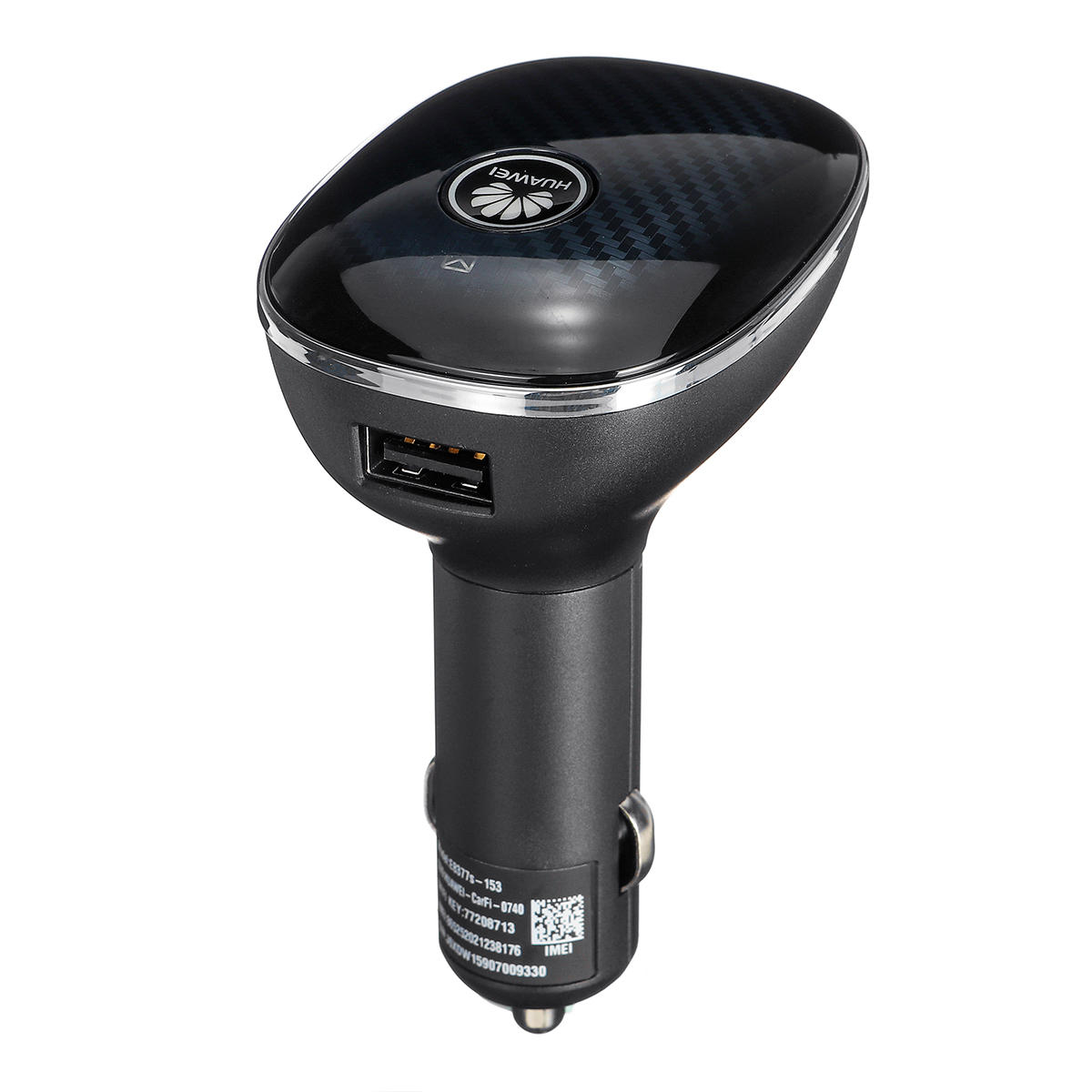
Car 4G 3G 2G Portable WIFI Router
OverView
mini-7 »a conduit montage numérique led701 de télévision DVB-T / mpeg4 / PVR-tête / toit
Mode d'affichage:16:9; Taille d'écran:7 pouces; Ecran tactile:Non; Résolution d'écran:800 x 480; Type d'affichage:LCD écran numérique (définition plus élevée que l'écran analogique); Langue OSD:Espagnol,Anglais; Système de sortie vidéo:Auto; Type de média:MP3,RMVB,AVI,MP4,JPEG,WMA; TV numérique ou analogique TV:Syntoniseur de TV numérique; Antenne TV:Oui; Télécommande:Oui; Port de carte:Port USB; Haut-parleur intégré:Oui; Caractéristiques:TV,Fonction de TV digital; Type:Appui-tête; Couleur:Noir; Dimensions / LxPxH (cm):20.4x11.5x3.2; Poids net (kg):0.413; Garantie:1 an; Que contient la boîte:Moniteur,Câble d'alimentation,Manuel d'utilisateur,Télécommande,Quincaillerie de montage,Chargeur pour auto,Liens de l'antenne,Câble AV
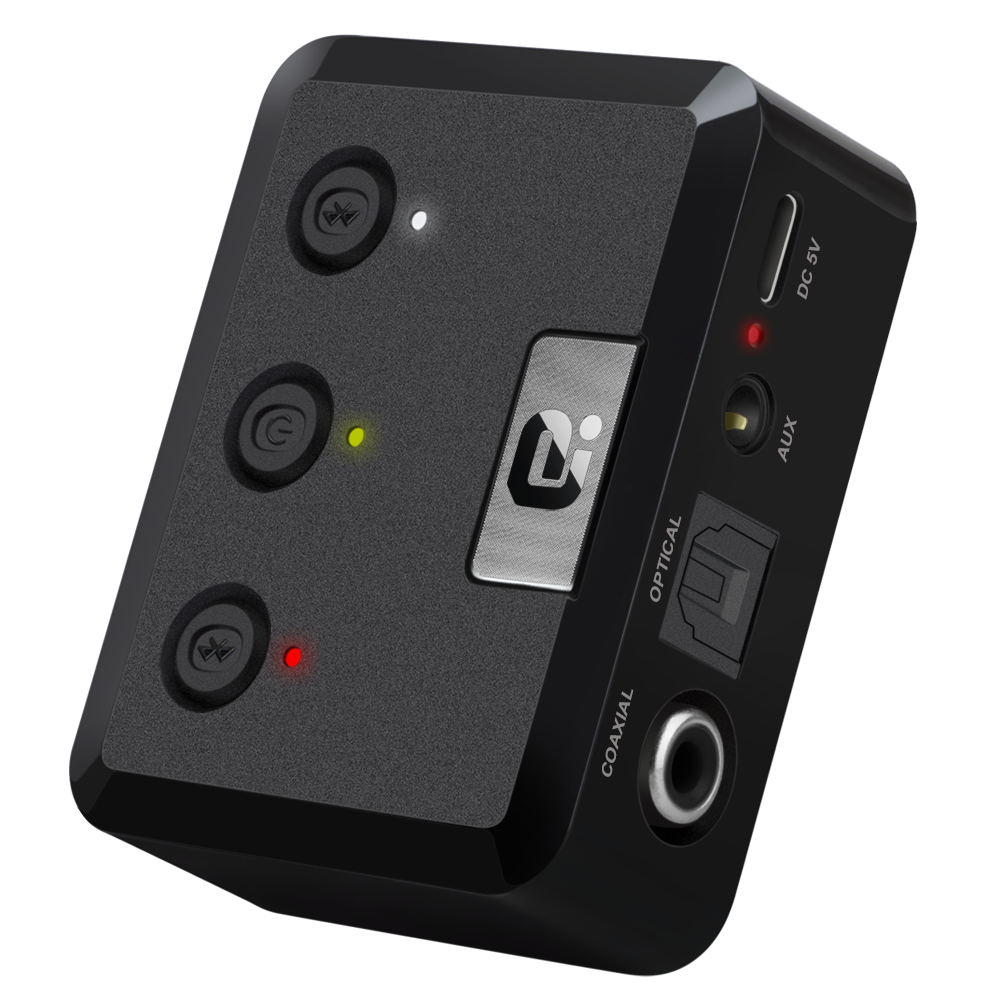
MR275 CSR8675 bluetooth 5.0 Audio Transmitter Wireless Adapter 3.5mm AUX for PC Computer TV Car Music Stereo
Operation Specifications:1. Press and hold the power button for 1S to turn on the machine. At this time, the white indicator of the device 1status and the white status indicator of the device 2 are on, and the middle power indicator is lit yellow.2. At this time, put the bluetooth device (bluetooth speaker or earphone) into the bluetooth pairing state, and thenpress the right button of MR275 right. At this time, the blue indicator of the device 2 status flashes quickly and entersthe search pairing state. After the pairing is successful, the device 2 is blue. The status indicator will be steady on.3. If you need to connect a buetooth device (bluetooth speaker or earphone), enter another bluetooth device (bluetoothspeaker or earphone) into the bluetooth pairing state, and then press the MR275 left pairing button. At this time, the device1 status blue indicator light is fast. Flash, enter the active search pairing state, after the pairing is successful, the blue statusindicator of the device 1 will be always on.4. Press and hold the right pairing button for 5 seconds to enter the bluetooth clearing list (that is, all previously connectedbluetooth device lists will be deleted).5. Automatic connection status:When the bluetooth device and the MR275 are successfully paired, when the bluetooth device is turned on again, it willautomatically connect back to the MR275;When the bluetooth device is turned on and waiting for the connection state, the MR275 is turned on at this time, and t
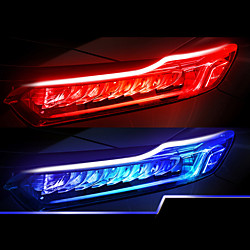
2PCS New Type Of Ultra Thin Light Guide Strip 45cm Dual Color LED Water Lamp Car Decorative Lamp White Yellow Turn Signal Lightinthebox
Quantity:2pcs; Compatible Vehicle Brand:universal; Year:All years; Function:Decoration Lights; Input Voltage:12; Compatibility:Car; Item Type:LED; Net Weight:0.085; Listing Date:07/28/2020
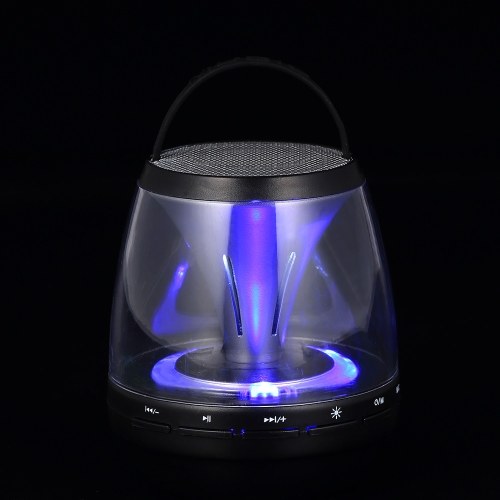
Portable Wireless Bluetooth Speakers with LED Light Effect
Features: Multifunctional: Supports wirelessly playing music via BT connection; also supports FM Radio, AUX IN, TF Card music playback. Surround Sound: 3W speakers deliver high performance multi-dimensional sound and an unparalleled cinematic deep bass surround sound. Hands-free with Mic: Built-in microphone enables you to receive calls easily and makes your hands free when driving or doing exercise. Simple Operation: Easy to control volume, music, calls and playing modes. With a silicone strap, you can hang it over or bring it outdoors easily. LED Light Effect: LED Light brings your eyes a luxury feast when listening to music, very suitable for camping, parties and more.
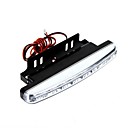
2pcs 8 LED blanco brillante estupendo DRL del coche diurno de la luz corriente
Tipo:LED; Color temperatura:6000K; Cantidad de LED:8; Color de la Luz:Blanco; Dimensiones de Unidad / L x A x L (cm):19x13x3; Peso Neto (kg):0.204; Función:Luz para el Día; Tipo de Chip: LED de Alto Rendimiento; Material:Plástico; Características:De Alto Rendimiento
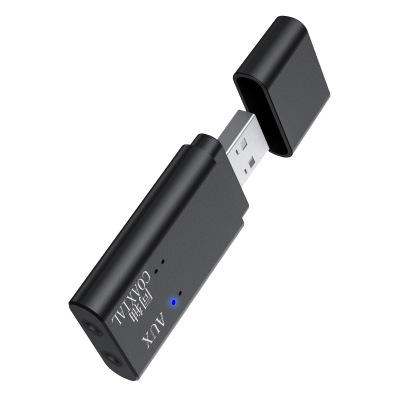
iMars TX11-C bluetooth 5.0 + EDR Audio Transmitter Support 3.5mm AUX Coaxial USB Audio Input Interface
iMars TX11-Cbluetooth 5.0 + EDR Audio Transmitter Support3.5mm AUX / Coaxial / USB Audio InputInterfaceProduct Parameters:Brand:iMarsbluetooth version: 5.0 + EDR Working distance: About 8M Power supply mode: USB DC5V Audio input interface: 3.5mm AUX / Coaxial / USBProduct use:TV coaxial use:1.Plug the audio cable into the coaxial adapter at one end,then plug the adapter into the coaxial audio output port oftheTV, and plug the other end of the audio cable into the coaxialinterface of the transmitter.2.USB power supply: mobile phone charger / TV USB/Computer USB etc3.Plug the TX11-C into the USB 5V charging port( Phone charger/Mobile power / TV USB / PC USB )4. After the TX11-C is powered on, when the blue LED flashes,it indicates that the product startup is completedand hasentered the search pairing state.5. Turn on the bluetooth audio/earphone and enter the pairablestate, waiting for the TX11-C to automatically pair.After the pairing is successful, the blue LED light is always on.5,set the audio output of the TV, different TV settings will be different.Millet TV: Settings -- Output Devices -- SPIDFLeTV: Settings - Sound - Speakers External speakersSharp TV: Settings -Digital Audio Output - PCM16Samsung TV: Settings - Output Settings - External SpeakersMore TV settings are in the collection...Computer use installation:1. Insert TX11-C into the USB of the computer, LED red and blue flashing.2. Turn on the bluetooth headset or bluetooth stereo, and enterthe pairing status.3. Wai